ContentDialog
Description
Use ContentDialog for modal prompts that require an explicit choice (confirmations, errors, sign-in).
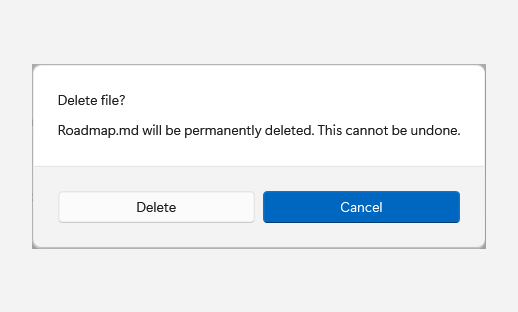
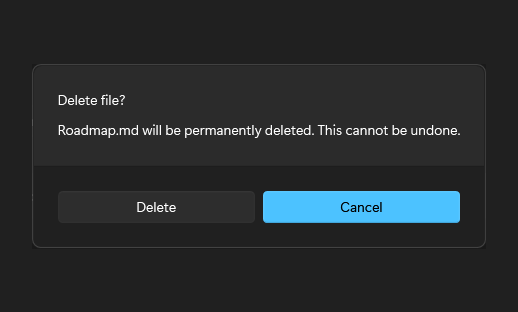
Captured state changes
Open
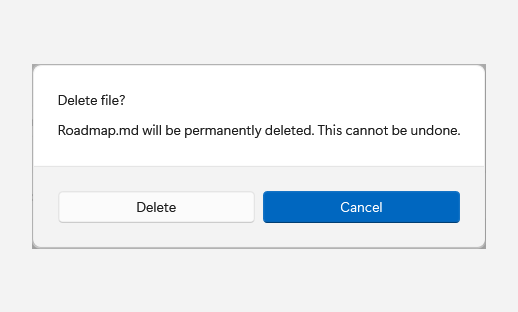
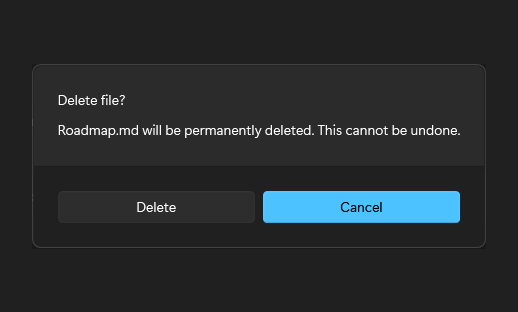
Example usage
Fluence.Wpf.Controls.ContentDialog dialog = new()
{
    Title = "Delete file?",
    Content = "Roadmap.md will be permanently deleted.",
    PrimaryButtonText = "Delete",
    CloseButtonText = "Cancel",
};
Fluence.Wpf.ContentDialogResult result = await dialog.ShowAsync();
Call ShowAsync on the UI dispatcher while an owner window is active.
State and behavior
ShowAsync presents a modal choice; button actions complete it with a result.