TeachingTip
Description
Use TeachingTip for contextual, non-blocking coaching anchored to a UI element.
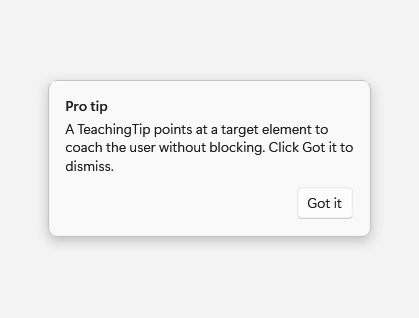
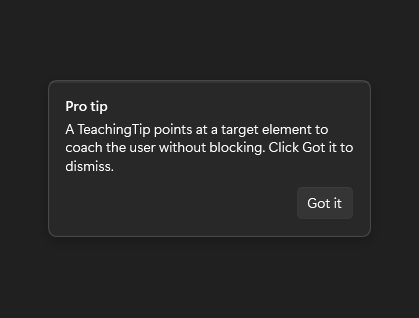
Example usage
<Grid>
    <fluence:Button x:Name="TipAnchor" Content="Feature" />
    <fluence:TeachingTip
        Title="Pro tip"
        Subtitle="This feature keeps your recent work close."
        Target="{Binding ElementName=TipAnchor}"
        IsOpen="True"
        CloseButtonContent="Got it" />
</Grid>
State and behavior
IsOpen shows contextual coaching; action or close controls update its open state.