FlyoutBase
Description
FlyoutBase defines the attached and programmatic flyout APIs used by concrete flyouts. FlyoutBase is shown within Flyout; it is not a separate gallery destination.
Use its attached flyout API when a control needs a concrete Flyout or CommandBarFlyout.
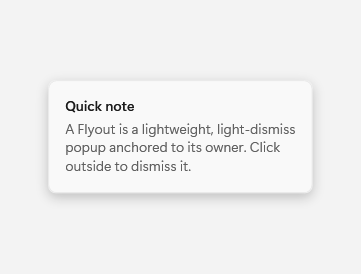
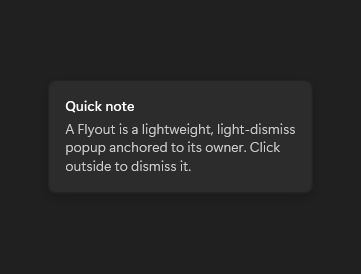
The images show an open Flyout, a concrete implementation of FlyoutBase.
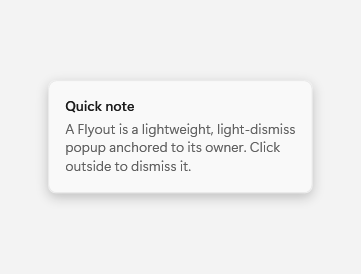
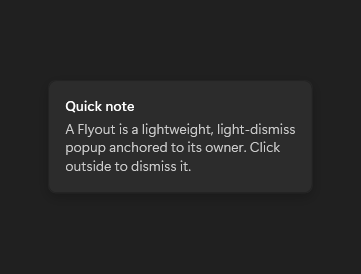
Captured state changes
Open
Example usage
<fluence:Button Content="More" Click="ShowFlyoutButton_Click">
    <fluence:FlyoutBase.AttachedFlyout>
        <fluence:Flyout Content="Details" />
    </fluence:FlyoutBase.AttachedFlyout>
</fluence:Button>
In the window or page code-behind:
private void ShowFlyoutButton_Click(object sender, System.Windows.RoutedEventArgs e)
{
    if (sender is System.Windows.FrameworkElement target)
    {
        Fluence.Wpf.Controls.FlyoutBase.ShowAttachedFlyout(target);
    }
}
State and behavior
FlyoutBase is abstract; attach a concrete Flyout or CommandBarFlyout and use ShowAt or Hide.