StackPanel
Description
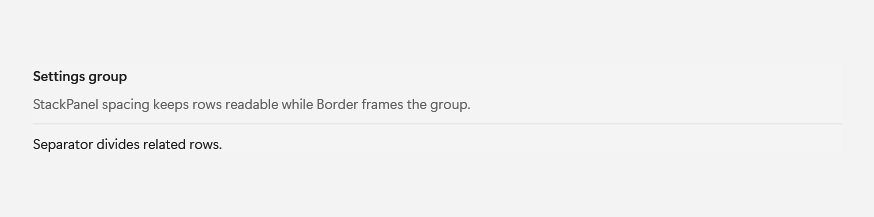
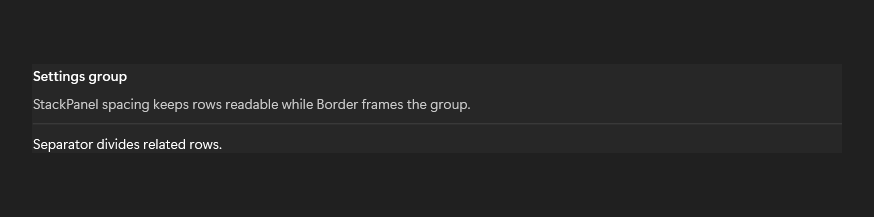
Use Border to frame a region, StackPanel spacing for readable rows, and Separator to divide related content.
Example usage
<fluence:StackPanel Spacing="10">
    <fluence:Button Content="New" />
    <fluence:Button Content="Open" />
    <fluence:Button Content="Save" />
</fluence:StackPanel>
State and behavior
Spacing changes the gaps between stacked children; orientation changes the layout direction.