SmoothScrollViewer
Description
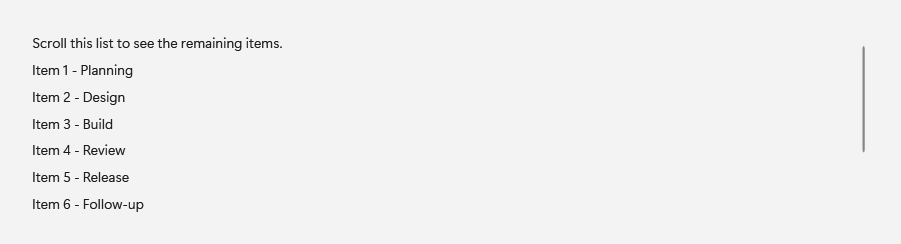
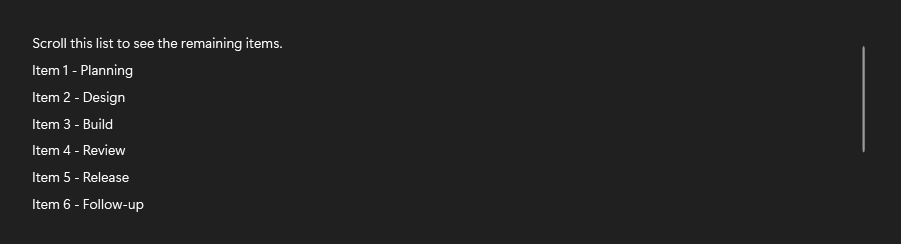
SmoothScrollViewer hosts content with Fluent scrolling behavior and themed scrollbars.
Use it for scrollable content that should use Fluence scrolling visuals.
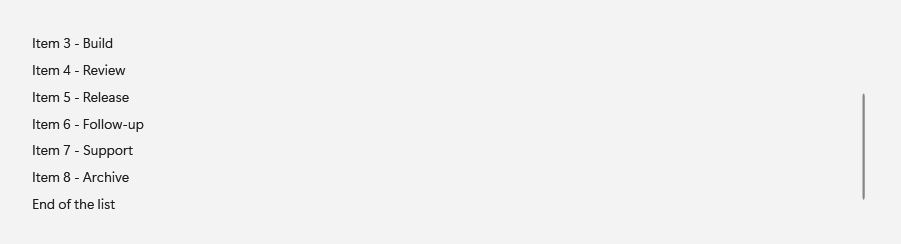
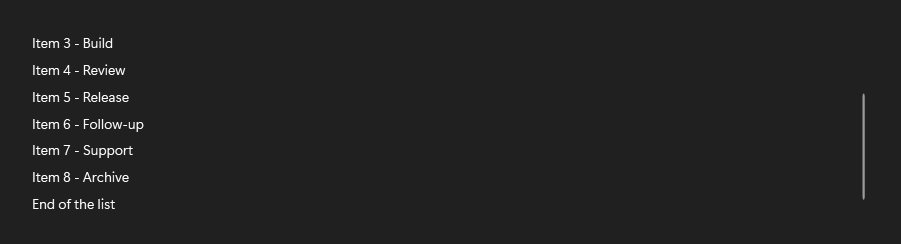
After scrolling
The lower items come into view and the scrollbar indicator appears at the right edge.
Example usage
- XAML
- C#
<fluence:SmoothScrollViewer Height="220">
    <StackPanel Height="500">
        <TextBlock Text="Top of the content" />
        <TextBlock Margin="0,450,0,0" Text="Bottom of the content" />
    </StackPanel>
</fluence:SmoothScrollViewer>
var viewer = new Fluence.Wpf.Controls.SmoothScrollViewer { ScrollDuration = new System.Windows.Duration(System.TimeSpan.FromMilliseconds(250)) };
Key properties
| Property | Default | Purpose |
|---|---|---|
ScrollDuration | 250 ms | Duration of a smooth scroll animation. |
Content | null | Content presented in the scrolling viewport. |
State and behavior
Scrolling changes the viewport while retaining Fluent scrollbar presentation.
Parts
ScrollBarExtensions
Description
ScrollBarExtensions adds indicator behavior to native WPF ScrollBar. The screenshots show ScrollBarExtensions inside SmoothScrollViewer.
The gallery scroll viewer enables the indicator behavior through its internal scrollbar template. The parent captures above show its vertical scrollbar before and after scrolling, with the indicator visible.
See the parent control captures above for this part in context.
After scrolling
See the parent control captures above for this part in context.
Example usage
<fluence:SmoothScrollViewer Height="160">
    <StackPanel Height="500">
        <TextBlock Text="Top" />
        <TextBlock Margin="0,450,0,0" Text="Bottom" />
    </StackPanel>
</fluence:SmoothScrollViewer>
The Fluence scroll viewer template applies ScrollBarExtensions.IsIndicatorEnabled to its internal scroll bars. A custom scrollbar can set that attached property only when its template supports the Fluence indicator states. A standalone bar has no scroll viewer host and stays visible.
State and behavior
Attached indicator settings alter the native ScrollBar's indicator presentation during interaction.
Reference
Events
ScrollChanged reports scrolling and viewport changes.